
1xBet registration starts with the options available for your location. The form may offer one-click, phone, email, and social network or messenger routes. Creating an account is separate from confirming a contact detail or completing an identity check later.
Before You Create an Account
Before starting, check these requirements and choices:
- You must be at least 18 and eligible to use 1xBet where you are. Access depends on your location, local law and the operator’s active rules; an international guide does not mean registration is available in every country.
- Select from the countries and account currencies available in your form. Currency is account- and country-specific: there is no single global default or complete currency list that applies to every sign-up.
- Be ready to provide accurate information and use the phone number, email address or identity provider you choose if the form asks you to confirm access to it.
A deposit is not required merely to create an account. Gambling involves financial risk; only play with money you can afford to lose.
Registration Methods
Choose a starting option displayed in the current form, then complete the instructions for that route.
| Method | Starting Option | What to Complete |
|---|---|---|
| One-click | One-click tab | Select the available country and account currency, review bonus choice and save generated account details where supplied. |
| Phone | By phone tab | Complete the displayed phone-registration fields and any contact confirmation requested. |
| By e-mail tab | Complete the displayed email-registration fields and any contact confirmation requested. | |
| Social or messenger | Social networks and messengers tab | Use a supported identity provider displayed in the current form and finish the requested account details. |
One-Click Registration
The one-click tab provides a shorter starting route, but you still need to review the available country, currency and bonus choices before submitting. If the process supplies generated account details, save them securely so you can access the account again.
An initially short form does not mean your profile is complete. You may be asked for further account details, contact confirmation or identity evidence separately.
Registration by Phone
Select the By phone tab and complete the fields shown in the current form using a number you can access. Check the number before submitting, then follow any phone-confirmation request shown for your account.
The form determines what other information is required. Confirming access to a number is distinct from providing identity documents if those are requested later.
Registration by Email
The By e-mail tab starts the email route. Enter an address you can access, complete the displayed fields and follow any contact-confirmation instructions. Read the prompts rather than assuming this route requests the same details as phone registration.
If email confirmation is requested, completing it confirms access to that address. It does not by itself complete an identity check.
Social Networks and Messengers
If the Social networks and messengers tab appears, choose an identity provider displayed there and follow its prompts. You may then need to finish account details in the registration form. Use a provider actually offered to you rather than assuming a particular service is supported.
Review the account information and choices presented before submitting.
Create Your Account Step by Step
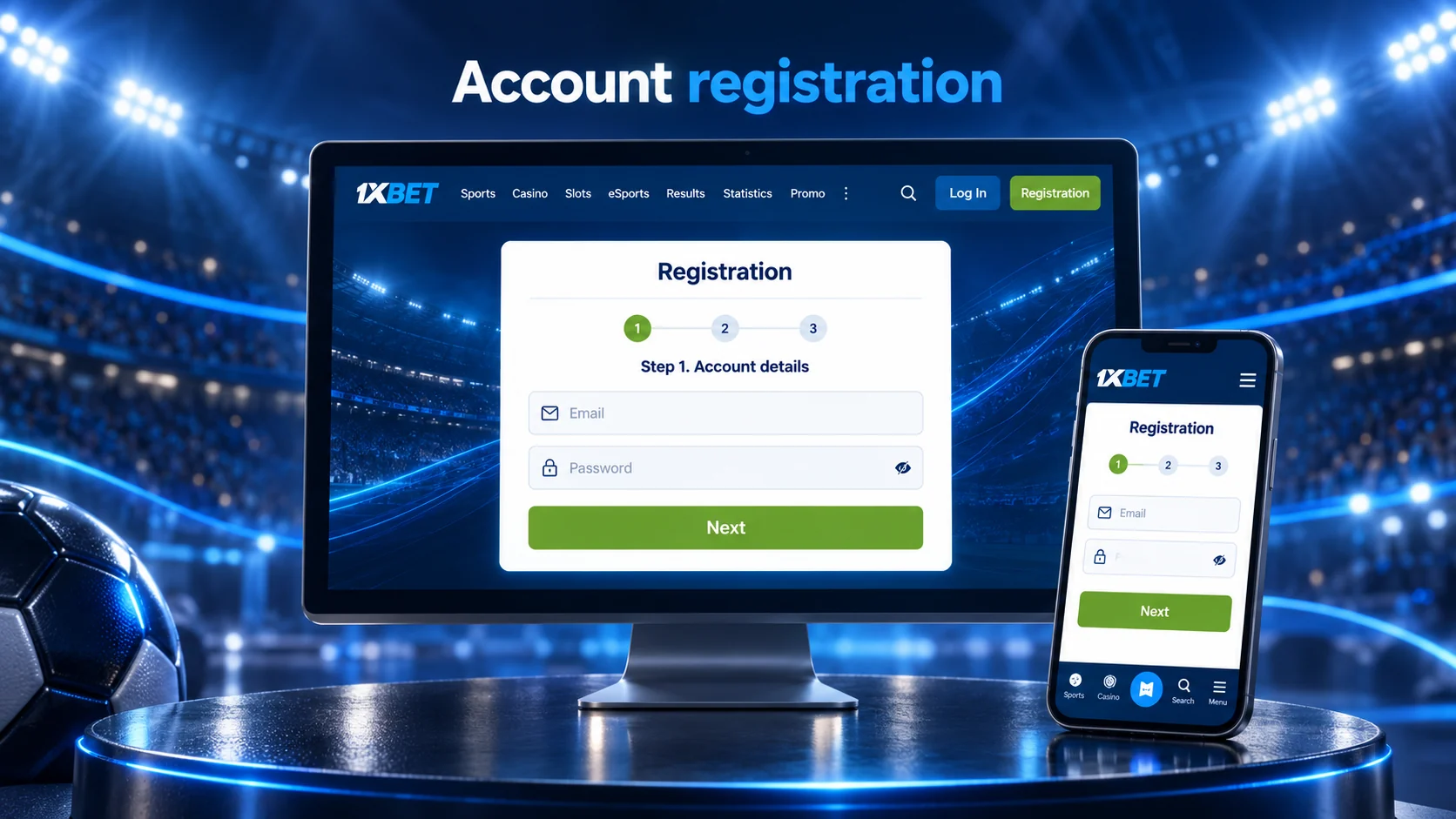
The promo field is optional, not a requirement for opening an account. The promo code instructions explain that part of the form in more detail. Follow the requirements displayed during your own sign-up.
- Select your actual eligible country, an available account currency and the registration route you want to use.
- Enter the details requested for that route. Check your entries, particularly any contact detail needed for confirmation.
- If you want to use the optional promo field, enter TELE200 there. The code alone does not establish a particular benefit; review the terms displayed for any offer you select.
- Review the bonus choices shown. On 13 October 2026, the English registration form displayed a sports welcome option, a casino+1xGames welcome option, and choices to reject bonuses or decide later. Select from the options currently available to you; making a selection does not mean a bonus has automatically been credited.
- Read the applicable terms and review your country, currency, entries and bonus choice before submitting.
- Submit the form and follow any confirmation instructions it displays. Further profile details or identity checks may be requested separately; a deposit is not needed merely to create the account.
Phone and Email Confirmation
After submitting, respond to any contact-confirmation request shown for your account. This step checks access to a phone number or email address. It is not the same as a document-based identity check, and no single confirmation method should be assumed for every registration route.
Phone Confirmation
If phone confirmation is requested, follow the instructions presented for your account using the number entered during registration. Check that the number is correct and that you can receive communications on it. Rely on the displayed process rather than an assumed message format or delivery time.
If you cannot complete the request, use an available help route instead of starting another registration just to replace the number.
Email Confirmation
If email confirmation is requested, check the address you submitted and follow the instructions sent or displayed for it. If a message does not appear, check the correct mailbox and its filtered folders before seeking help.
Submitting the registration form alone does not necessarily confirm your email address; complete any confirmation step the account requests.
Registration on Mobile
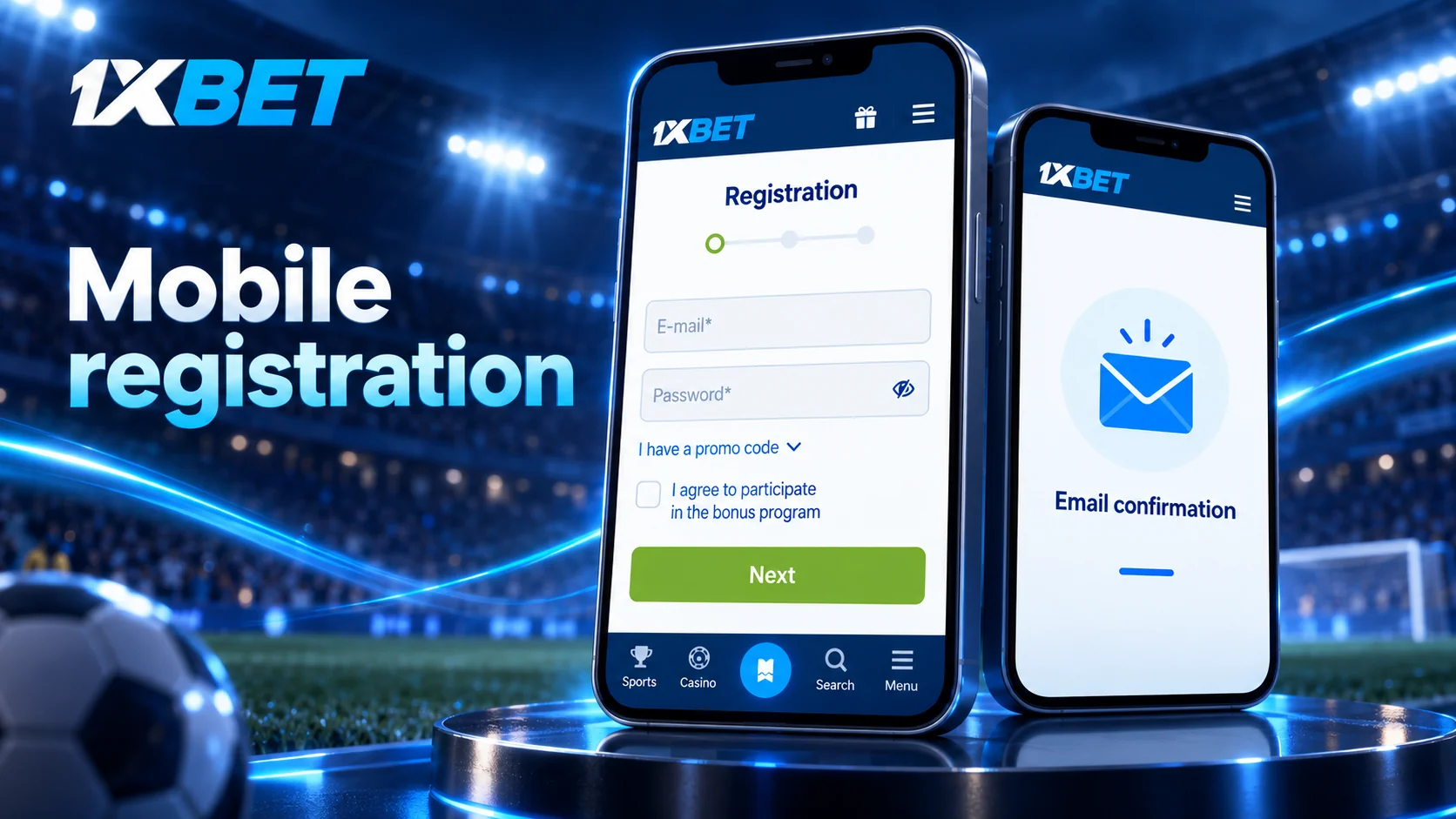
You can open the official web interface in a mobile browser and use the registration options shown for your location. Complete the form, review your entries and follow any subsequent confirmation request.
A native iOS app is also listed in the Apple App Store, although store eligibility depends on the country. Browser access is a separate way to register and does not require installing an app. Whichever mobile route you use, follow the choices and requirements displayed for your account.
Profile Details and Identity Verification
Account creation, contact confirmation and identity verification are different stages. After registering, check whether your account requests more profile information. A confirmed phone number or email address does not mean that a document-based identity check has been completed.
Completing Account Details
Enter accurate information in the fields displayed for your account and review it before submission. A short initial route, including one-click or provider-based sign-up, may leave details to complete later. Use your real information rather than changing your country or personal details to match an unavailable option.
If an instruction is unclear, seek help before repeatedly submitting conflicting information. The details requested depend on the account and the route used.
Identity Checks and Requested Documents
An identity check may request government-issued photographic ID. Examples listed in regional AML/KYC policies include a passport, national identity card or driving licence. Additional account or payment evidence may also be requested. These checks are separate from confirming access to a phone or email address.
Follow the request made for your account to determine which documents are accepted and when they must be supplied. There is no guaranteed completion time that applies to every account.
Registration Problems
Use the action that matches the difficulty you encounter:
- Route unavailable: Check the options displayed for your location and choose a route you can complete.
- Form will not proceed: Review the fields and selections the form requests, including country and currency. Correct incomplete or inaccurate entries before trying again.
- Contact confirmation cannot be completed: Recheck the contact detail you entered and follow the account’s instructions. If the difficulty remains, seek help rather than creating another account.
- You may already have an account: Use that account or an available account-help route instead of submitting a duplicate registration.
The operator lists online chat as a help option. Access in a particular country and response time may vary.
FAQ
Which registration methods are available?
The current form may show one-click, phone, email, and social network or messenger routes. Choose a displayed option and complete the details it requests.
Is a promo code required to register?
No. The promo field is optional. You can leave it unused and continue with the other registration choices shown.
Can I register on a mobile device?
Yes. You can use the official web interface in a mobile browser to complete the form and follow any requested confirmation.
What is the difference between contact confirmation and KYC?
Contact confirmation checks access to a phone number or email address. KYC checks identity and may require photographic ID or other evidence requested for your account.
What should I do if I already have an account?
Use your existing account rather than registering another one. If you cannot access it or are unsure what to do next, use an available account-help route.